Export Configuration
The Export option allows users to export details and download the spreadsheet.
Perform the following steps to export:
Navigate to Settings ➜ All Settings ➜ Property Import/Export (under General).
Click Export. Data begins to be exported.
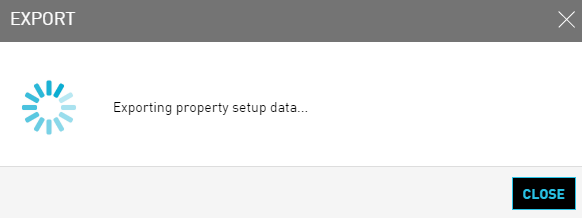
Details are downloaded in the form of a .xlxs file.
Unblock the pop-up blocker in the browser to successfully download data from the application.